Canadian K-12 teachers and tutors who need curriculum-aligned quizzes quickly without spending hours on prep.
How it works
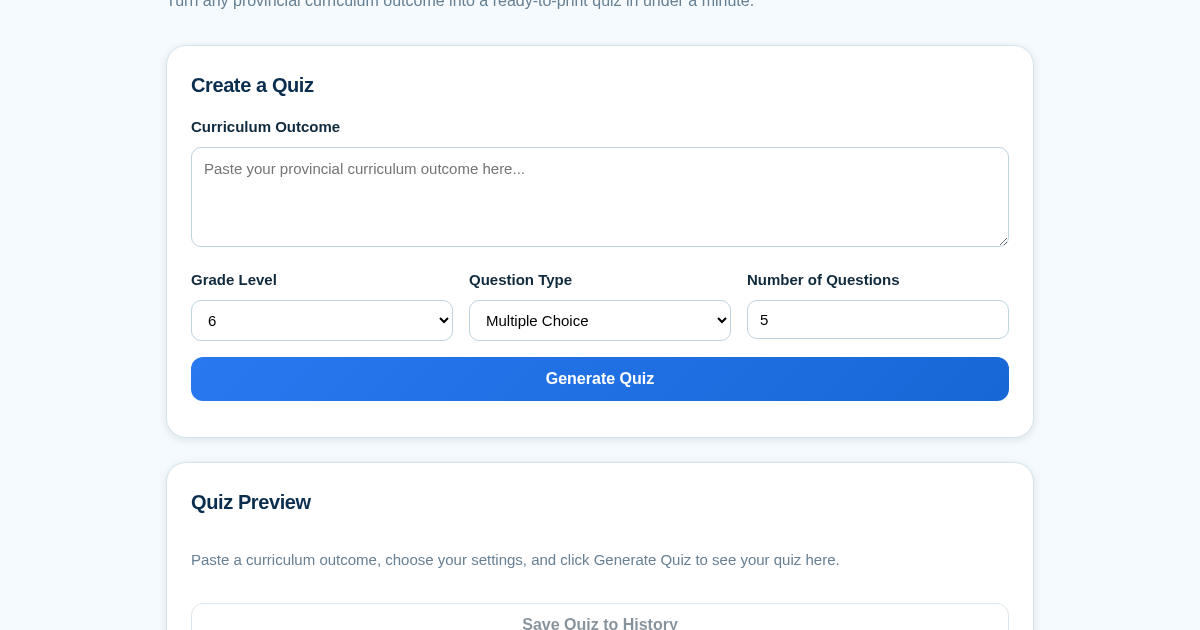
- Paste a provincial curriculum outcome into the text field.
- Select the grade level, question type (multiple-choice, true/false, or short-answer), and number of questions.
- Click Generate to see a preview of the quiz with questions and an answer key.
- Save the quiz to your local history, then reopen or print it anytime with a separate answer key.
What you gain
- Turns any curriculum outcome into a quiz instantly
- Supports multiple question formats for flexibility
- Saves quizzes locally for easy reuse
- Prints quizzes with a separate answer key for marking
- No US-centric content—built for Canadian curricula
Screenshot
Technical details
How to set up & use
- Buy the license — your key (lic_...) appears on the order page and in your email.
- Sign in at app.synoriaai.com with your license key.
- No installation — the product runs in your browser, on your own isolated instance.
- Paste the curriculum outcome you're teaching into the main box.
- Pick the grade level, question type, and how many questions you want.
- Click Generate and review the quiz that appears.
- Save the quiz so you can find it again later.
- Open any saved quiz and print it with the answer key.
Frequently asked questions
Is my quiz data stored anywhere I don't control?
All quizzes are saved only in your own local data file on the server you run. Nothing is sent to any third party except the AI provider when generating questions.
Does this align with my province's specific curriculum?
You paste the exact outcome from your province's curriculum document, and the questions are generated from that text — so alignment is as specific as the outcome you provide.
Can I edit the generated questions?
The MVP generates a complete quiz from your outcome. You can regenerate with different settings, but there is no manual question editor in this version.
Related products
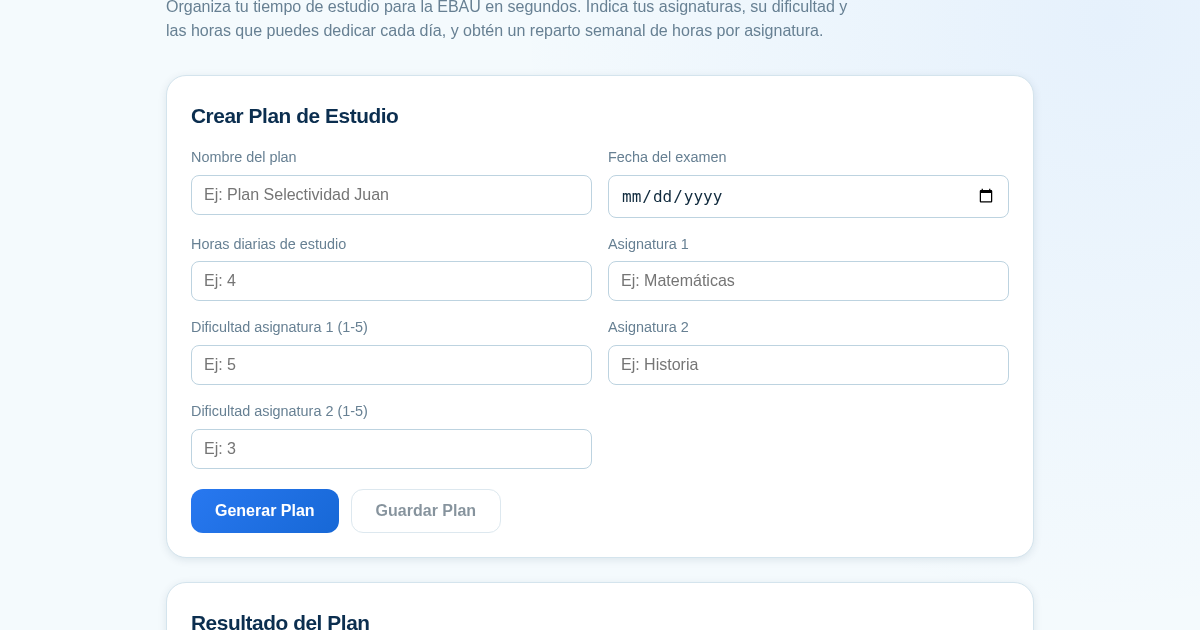
Planificador de Estudio para la EBAU
Organiza tu tiempo de estudio para la EBAU en segundos. Indica tus asignaturas, su dificultad y las horas que puedes dedicar cada día, y obtén un reparto semanal de horas por asignatura, guardado para que siempre puedas…
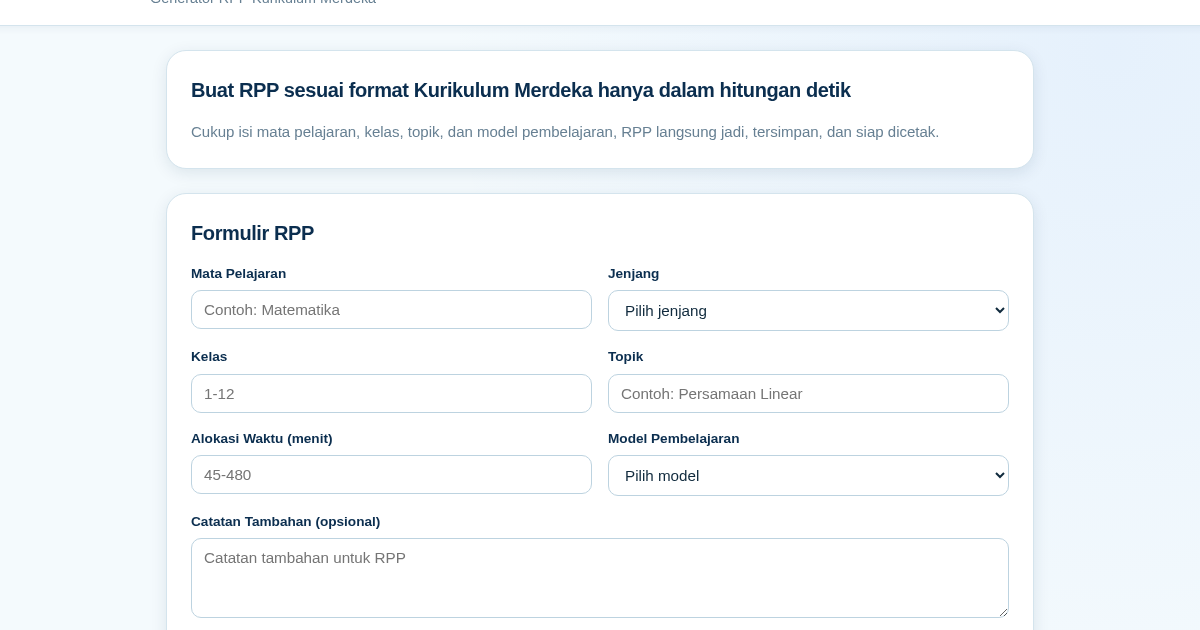
RPP Instan – Generator RPP Kurikulum Merdeka
RPP Instan membantu guru di Indonesia membuat Rencana Pelaksanaan Pembelajaran (RPP) sesuai Kurikulum Merdeka dengan cepat. Guru cukup mengisi formulir singkat, dan RPP langsung tersusun otomatis sesuai struktur yang…
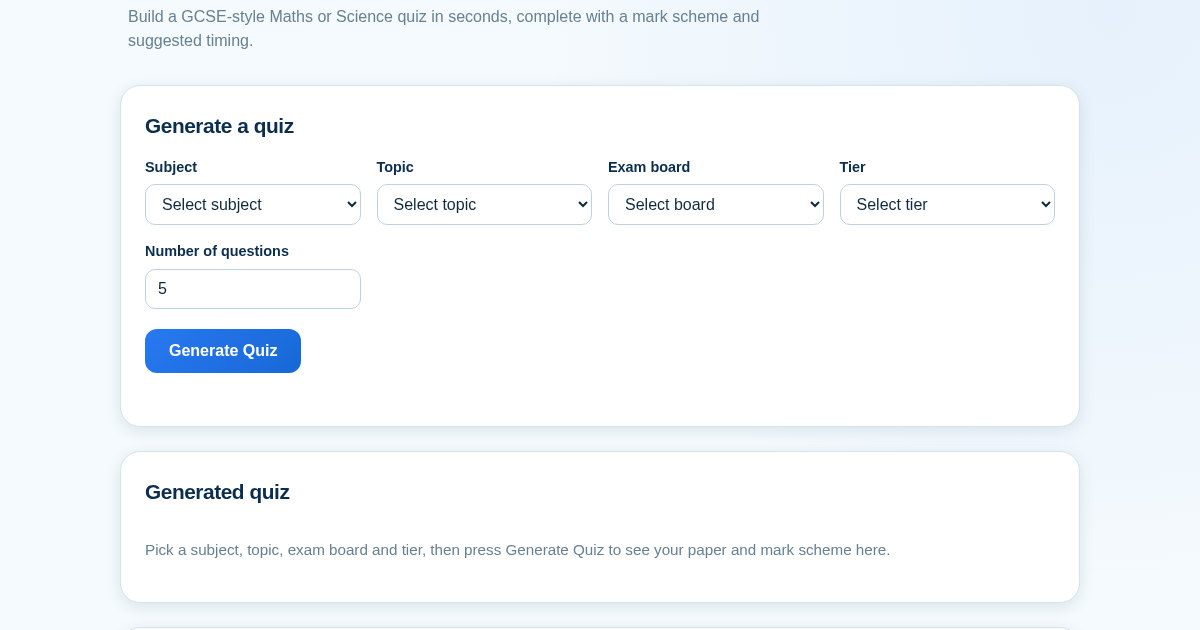
GCSE Quiz Generator for Teachers
GCSE Quiz Generator helps UK secondary school teachers and private tutors quickly create GCSE-style Maths and Science quiz papers from a built-in question bank. It automatically provides a mark scheme and suggested exam…
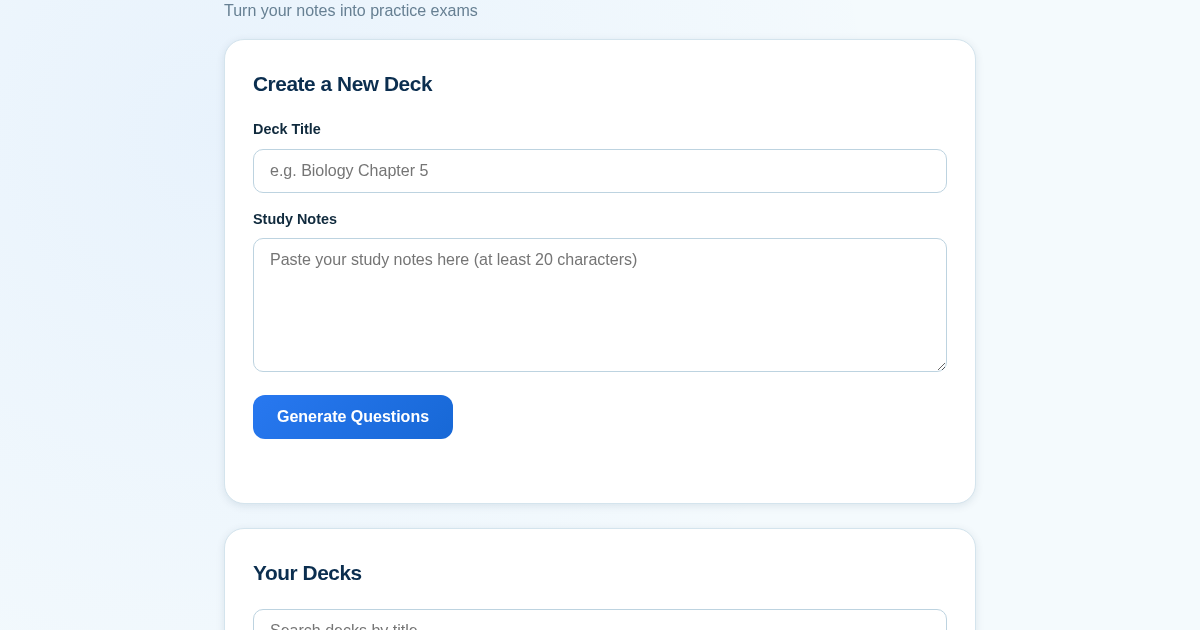
ExamGenius — Turn Your Notes Into Practice Exams
ExamGenius turns pasted study notes into practice quiz questions and schedules reviews using a spaced-repetition algorithm so learners retain material longer. Users paste notes, generate a question deck, self-grade…